Scene · competitor feature teardown
Agent reverse engineering of competitor & app features
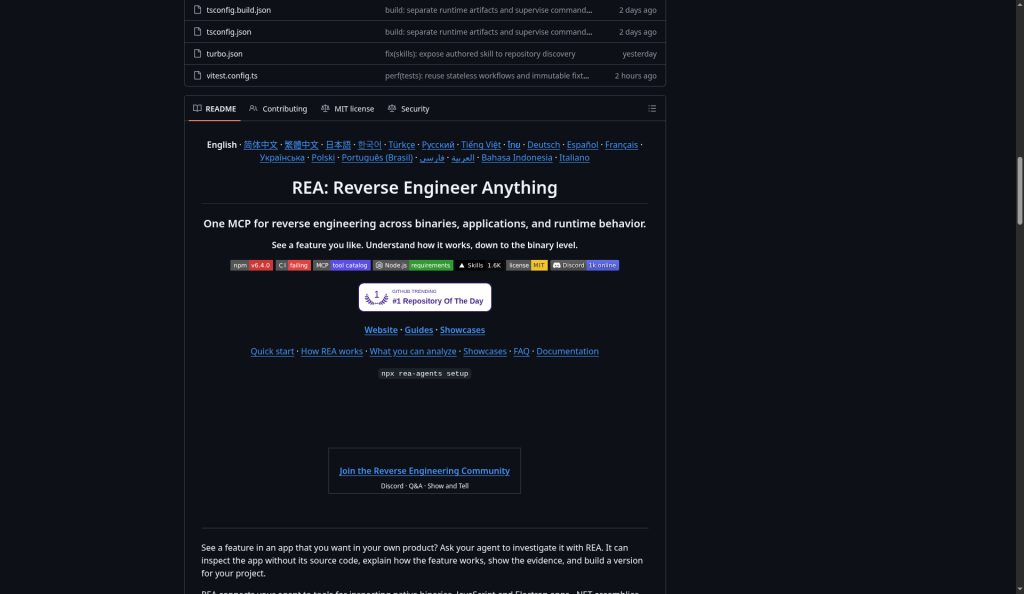
See a feature you like — understand how it works, down to the binary. REA (Reverse Engineer Anything, open-source morluto/rea) is the hot MCP toolkit that wires Hopper / Ghidra / IDA, JS/Electron, .NET, and website analysis into your coding agent — local, evidence-based, ready to implement.
Who this is for
Product and engineering teams who want to understand how a competitor — or their own app — implements a feature, without hand-walking every disassembly from scratch.
- Drive local analysis from a coding agent (Claude Code, Cursor, Codex, and more)
- Need evidence (pseudocode, module graphs, IPC boundaries), not vibes
- Lawful scope: software you own or are authorized to examine; research, education, interoperability
How it works
Your agent calls REA over MCP to inspect and trace a local target. REA returns findings with evidence. The agent then explains, follows up, or writes and tests an implementation. The same workflows are available from the CLI.
- Ask about a feature and point at a local target
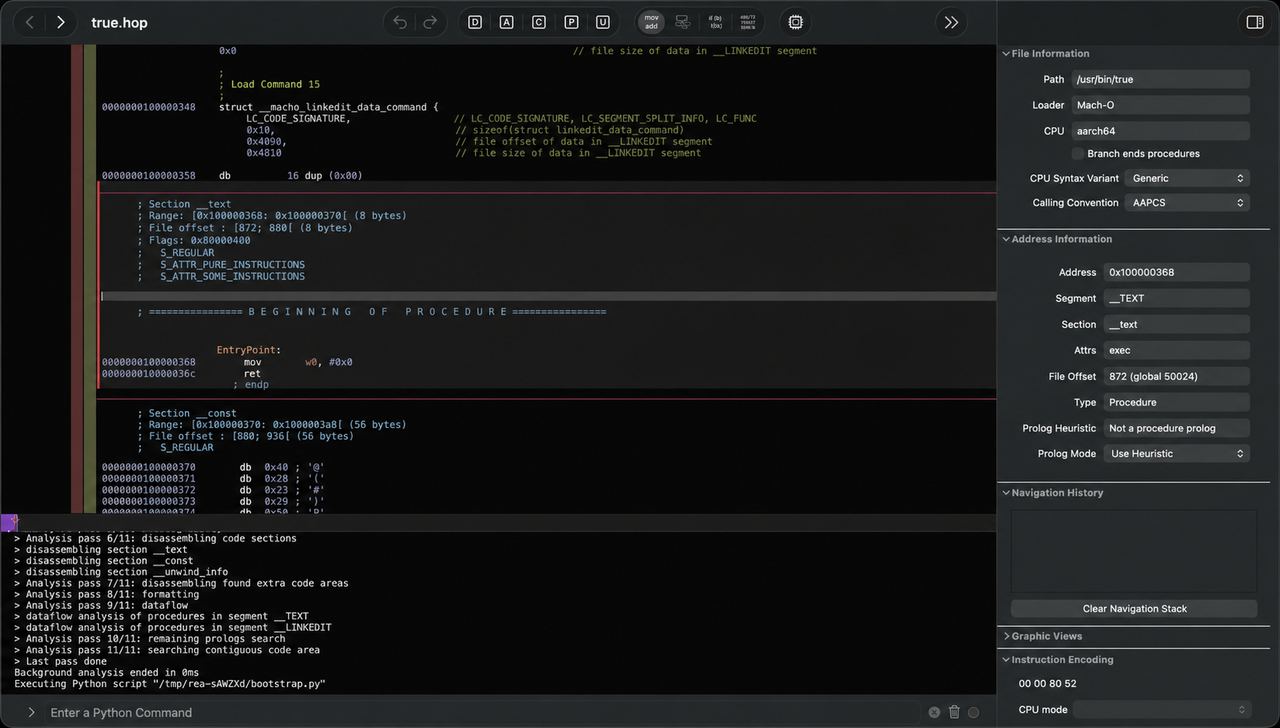
- REA uses Hopper, Ghidra, or IDA for native work — or JS/Electron / browser tools as needed
- Results include evidence and stated limits so you can verify and ship
Quick start
With Node.js and npm installed, register REA's MCP server and matching workflow instructions (Claude Code, Codex, Cursor, Gemini CLI, Grok Build, and others):
npx rea-agents setupReview the proposed changes, approve, and restart your agent. Then ask something like: “Understand how search works in the Notes app, show me the evidence, and build a similar feature for my project.”
Or install the global CLI:
npm install --global rea-agents
rea --help
What you can analyze
Native binaries
Pseudocode, assembly, strings, symbols, and references. Needs Hopper, Ghidra, or IDA.
JavaScript / Electron
Modules, imports, source maps, routes, IPC, and native add-on relationships. Node only.
.NET assemblies
Metadata, CIL, declared native deps, and build comparisons (static).
Websites & more
Page structure, scripts, and network observations — plus Android, WASM, firmware, captures, and more.
Full matrix and prerequisites: rea.tools/guides and the GitHub README.
Authoritative links
- github.com/morluto/rea — source & README
- rea.tools — website, guides, showcases
- Guides · Showcases
- Discord — community Q&A
- npm:
rea-agents
FAQ
Is it free? What license?
REA-authored code is MIT. Commercial engines (Hopper, IDA, JEB, …) require your own lawful licenses; REA grants none.
Legal / ethics?
Analyze only software you are authorized to examine. REA is for lawful research, education, interoperability, and preservation. Analysis runs locally. See the project's DISCLAIMER.
Vs classic RE tools?
Hopper / Ghidra / IDA remain the native engines. REA connects them (plus JS/.NET/browser and more) to agent workflows, emphasizing MCP, evidence, and repeatable steps — not replacing those tools.
Node requirements?
Node.js 22.x (≥22.19), 24.x (≥24.11), or 26+, plus npm. Some targets need extra engines or hosts.
Does REA upload my app?
REA analyzes targets locally; your agent receives the results. Model providers have their own data policies.
Unofficial scene overview. This page summarizes the public README and rea.tools so you can scan the “agent reverse-engineering of competitor features” scene. Not affiliated with morluto / REA. Authoritative sources: GitHub and rea.tools.